
Blog
GameCay: Play Classic Retro Games Online for Free
What is GameCay?
GameCay is a free browser-based gaming platform dedicated to classic retro games. Whether you want to relive childhood memories or experience these timeless classics for the first time, GameCay lets you play instantly on any device — no ROMs to download, no emulators to install, no configuration needed.
Open your browser, search for a game, click "Play" — it's that simple.
Game Library
GameCay hosts a vast library spanning dozens of classic platforms:
Handheld
- Game Boy Advance (GBA) — Pokémon, Zelda: Minish Cap, Fire Emblem, Golden Sun - Game Boy / Game Boy Color — Tetris, Pokémon Red/Blue, Zelda: Link's Awakening - Nintendo DS (NDS) — New Super Mario Bros., Mario Kart DS - PlayStation Portable (PSP) — Monster Hunter, Final Fantasy
Home Console
- NES / Famicom — Super Mario Bros., Contra, Adventure Island - SNES / Super Famicom — Chrono Trigger, Super Metroid, Final Fantasy VI - Nintendo 64 (N64) — Super Mario 64, Zelda: Ocarina of Time - PlayStation 1 (PS1) — Final Fantasy VII, Metal Gear Solid, Resident Evil - Sega Genesis / Mega Drive — Sonic the Hedgehog, Streets of Rage
Arcade & More
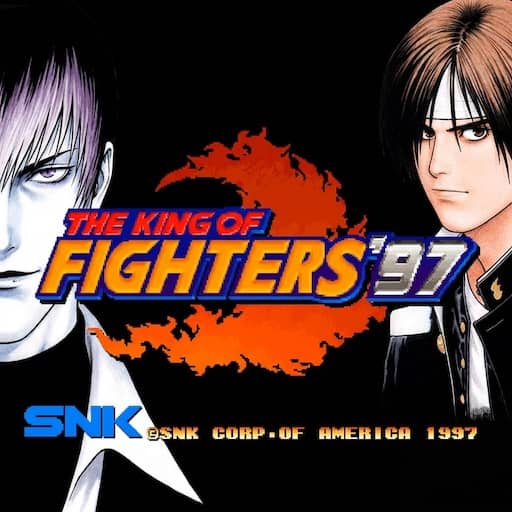
- Arcade — Street Fighter, King of Fighters, Metal Slug - Atari / DOS / Flash / HTML5 — More retro and casual games
How to Access
Desktop
Visit GameCay in Chrome, Edge, Firefox, or Safari. Search for a game and click "Play Now." Controls use keyboard arrow keys + Z/X/A/S, with Bluetooth gamepad support.
Mobile (Phone / Tablet)
Open GameCay in your mobile browser (Chrome recommended). Virtual on-screen buttons appear automatically. Landscape mode is recommended. You can also install GameCay as a PWA via "Add to Home Screen" for an app-like experience.
Key Features
- 🎮 Instant play — no downloads or sign-up required - 🌍 Available in Chinese, English, and Japanese - 🔍 Search by game title, platform, or genre - 📱 Works on desktop, phone, and tablet - 💾 Browser-based local save states - 🌙 Light / dark theme toggle